
Who it is for
It is for clinics, specialist practices, hospitals, and care businesses that visit people at home or run more than one site.
Health Care
TechnAre builds practical systems for clinics, hospitals, and care businesses. Appointments, follow-up, staff schedules, and the day’s records can sit in one place your team will actually use.
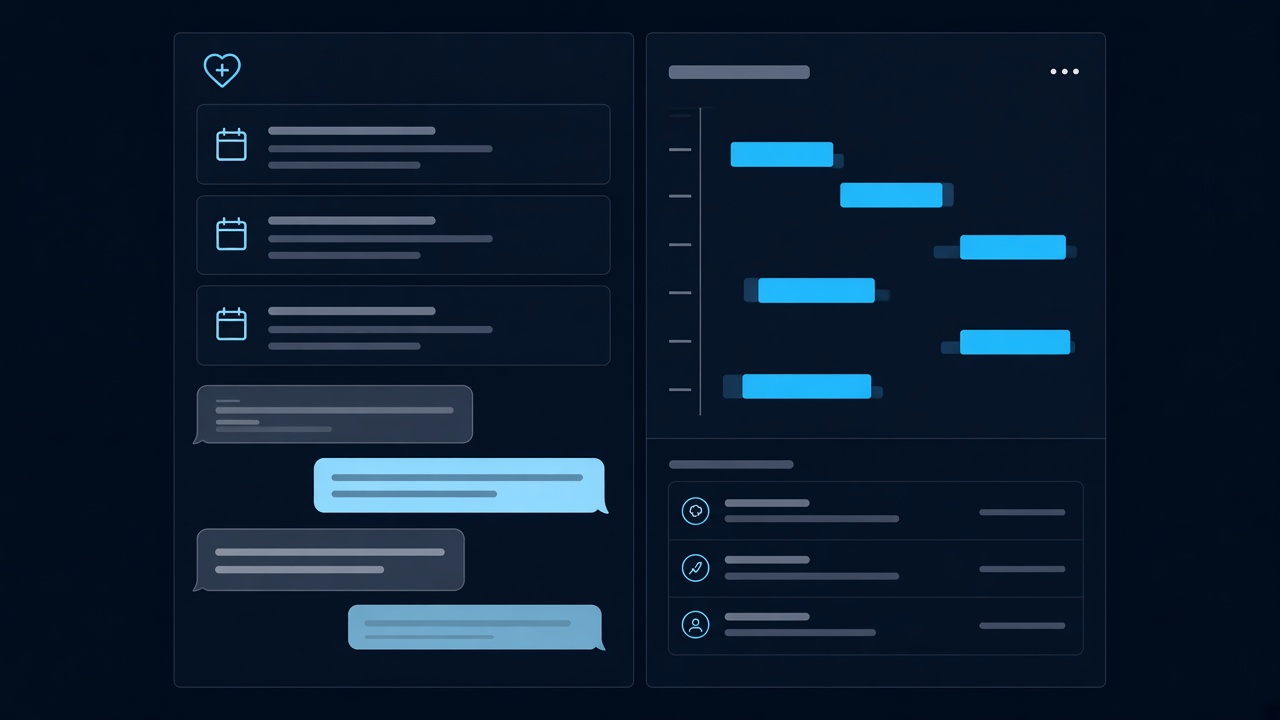
Care businesses lose time when the day is split across a paper diary, a spreadsheet, an inbox, and software that staff quietly avoid. We build the working system around the real day: who is coming in, who needs a call, who is on shift, and what still needs to be billed.
The result is software reception, clinicians, and managers can share. Patients get a clear way to book and follow up. Your team gets one picture of the day instead of several partial ones.
It is for clinics, specialist practices, hospitals, and care businesses that visit people at home or run more than one site.
01
A diary, a spreadsheet, and someone’s phone each hold part of the schedule, so double bookings and missed visits are easy.
02
Reception spends the morning repeating appointment times, preparation notes, and how to reschedule.
03
Notes sit in email or on paper, and the person who takes over has to ask around before they can help.
04
Invoices are assembled later from memory and loose records, so payment is slower than the care.
Practical pieces of work. Each one is written around a business task, and the first release can start with the one that hurts most.
Patients request a time. Staff confirm it, move it, or fill a cancellation. Reminders go out before the visit so the day is not a surprise.
Reception and clinicians see who is due, who is waiting, and who still needs a result, a call, or a return visit.
Notes, forms, and history stay with the person, visible only to the staff who are meant to see them.
Patients can see upcoming visits, complete forms, and read the messages you choose to share, without calling for every update.
Rosters show who is on shift, at which site, and in which room, including last-minute changes.
Each visit can lead to a clear invoice, a record of what was paid, and a list of what is still outstanding.
A small team that needs booking, notes, and billing without hiring someone to chase spreadsheets.
Longer appointments, referrals, and follow-up that must stay attached to the right patient.
One way of working across locations, with each site still able to run its own day.
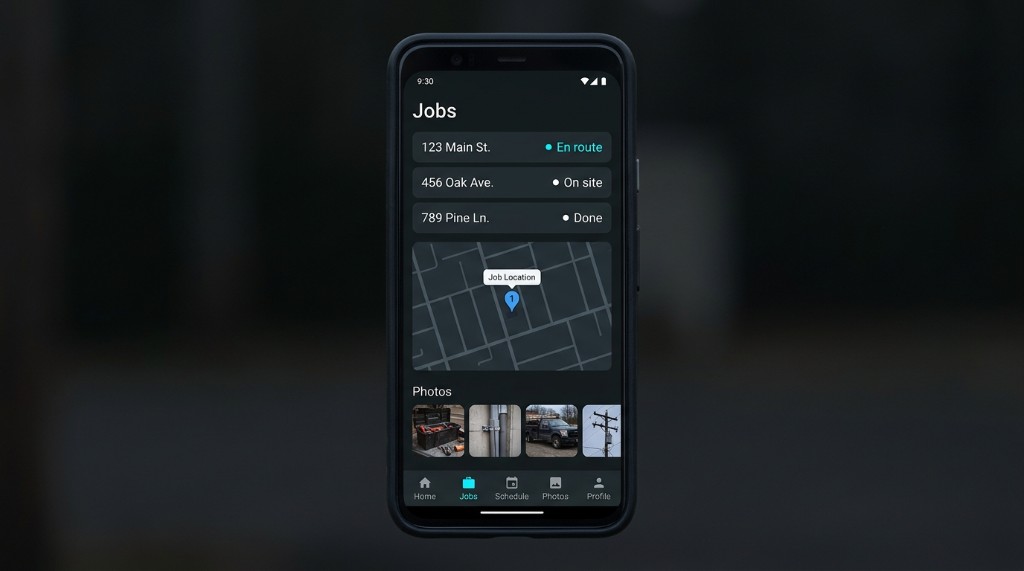
Visits, travel between patients, and a record of what was done at each stop.
Routine questions move into the booking flow, so the phone is for the conversations that need a person.
The next clinician or carer can see what was agreed without reconstructing it from messages.
Billing starts from the appointment, not from a pile of notes at the end of the week.
Managers can see bookings, gaps, and outstanding follow-up without asking three people.
No. A single clinic with a busy front desk is a common starting point. Larger groups use the same kind of system across more than one site.
Yes, when you want them to. You choose which appointments are open, what information is required, and what still needs a person to confirm.
We design the system around the privacy rules your organisation already has to follow. Each person sees only the records their role allows. We do not claim a certificate we do not hold.
The screens follow the work they already do: book, see, note, bill. We walk the team through that path and stay available after launch. Service time is 24/7.
Sometimes, and sometimes it should sit beside them. We start by listing what must stay and what is causing the double entry, then we recommend a first release that solves the worst of that.
Start a project
Describe the bookings, follow-up, and paperwork that slow the team down. We will reply with a practical first step, not a generic package.